International Draughts Is Live
I have launched International Draughts as one of the most complete products on devdad.net: a dedicated draughts experience built around FMJD-style 10×10 gameplay, cleaner onboarding, and the kind of product breadth that goes beyond a single game screen.
The app now has a stronger public showcase because it deserves one. It combines board-game depth, cross-platform delivery, support surfaces, and the kind of visual polish that helps explain what I can build end to end.
What You Can Expect
- Four AI difficulty levels for practice through stronger challenge
- Rules-focused 10×10 gameplay built around international draughts expectations
- Learning flows, tutorials, and structured onboarding for newer players
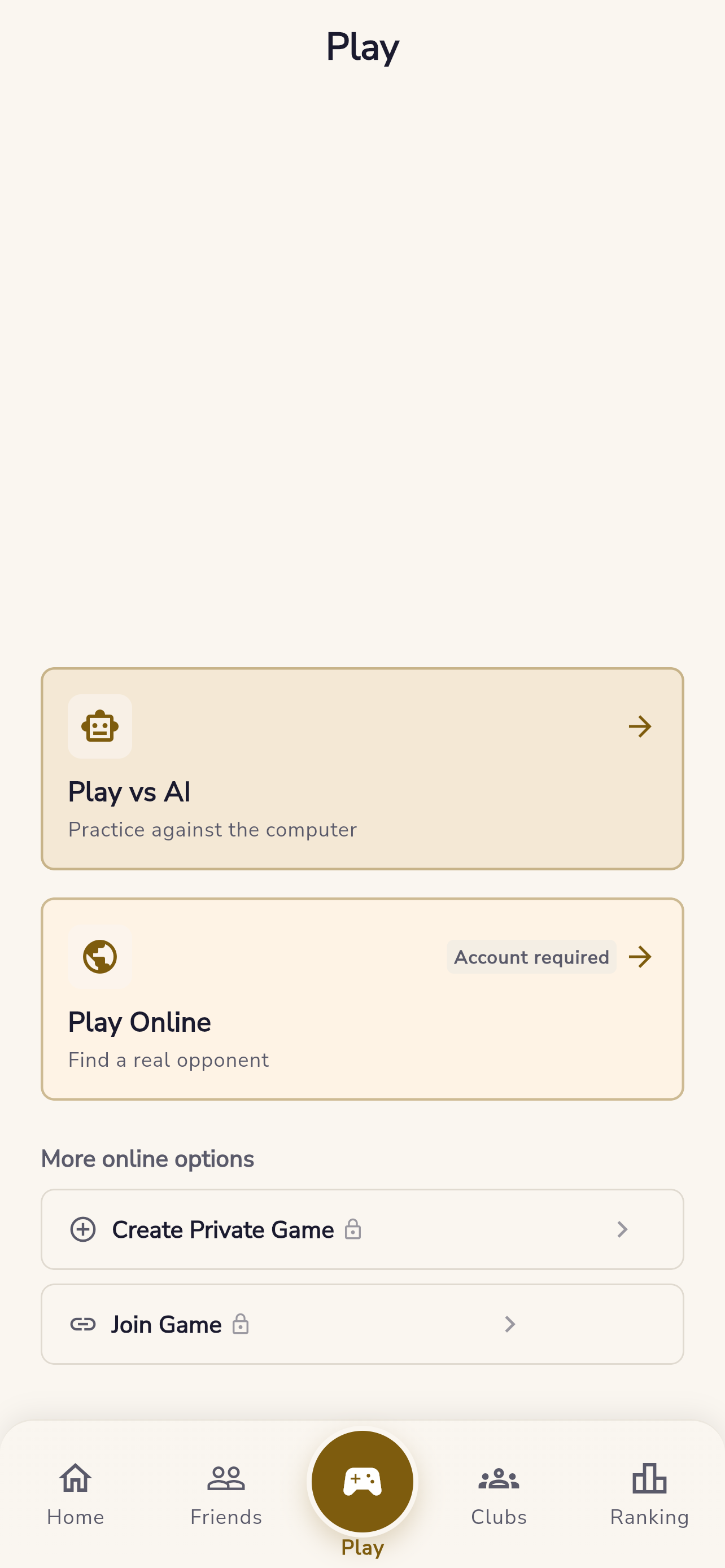
- Online play entry points, live-game discovery, and ranking-oriented product hooks
- Account-based progress, identity, and launch-ready support pages
Why This Project Matters
This app is a good example of the kind of work I want the site to show more clearly. It is not only about gameplay logic. It also shows product thinking, screen design, support readiness, and the effort needed to ship something that feels credible from the first screen to the legal pages.
More Than A Game Screen
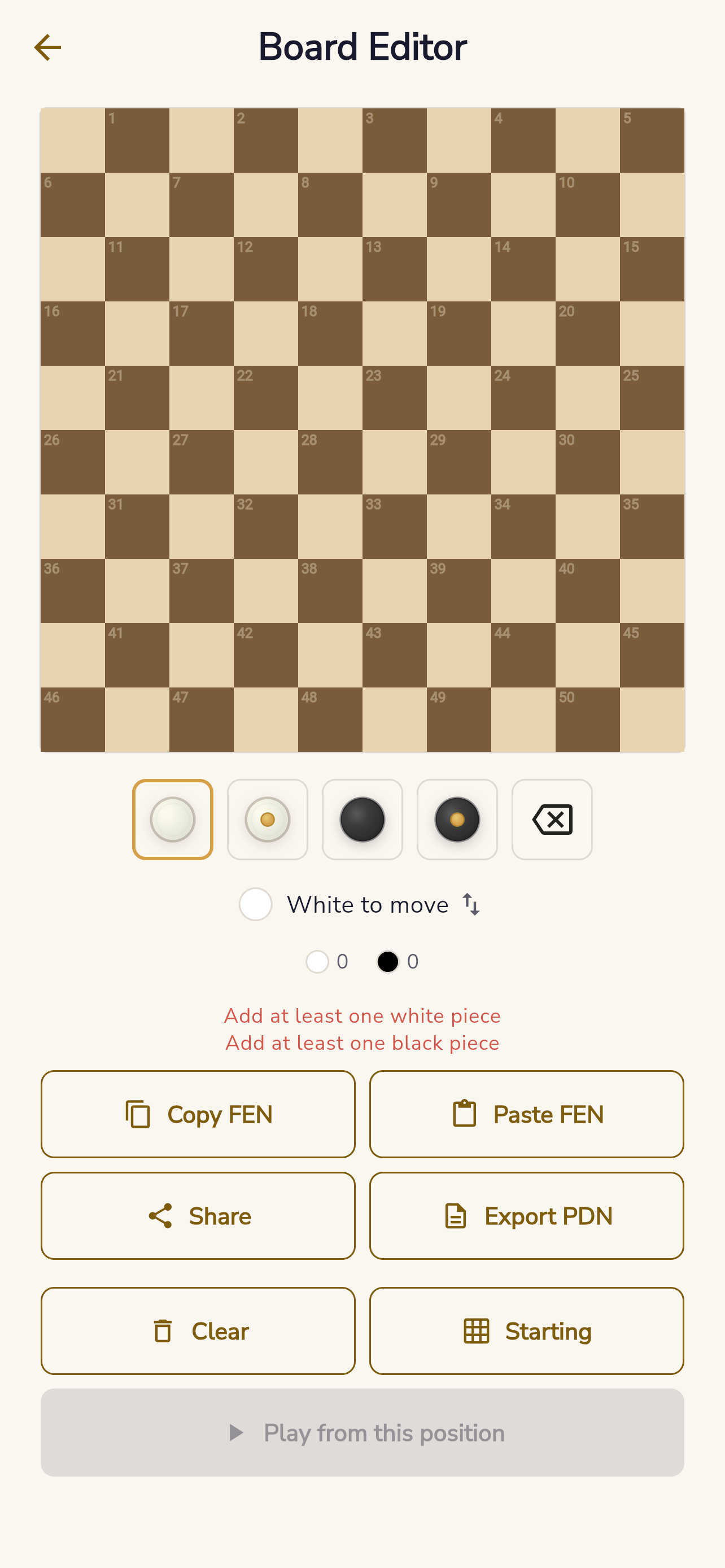
The latest screenshot refresh also highlights the tooling around the core game. The board editor is a good example: it supports custom positions, FEN copy and paste, sharing, PDN export, and position validation. That is the kind of feature work that turns a board-game app into a serious practice tool.
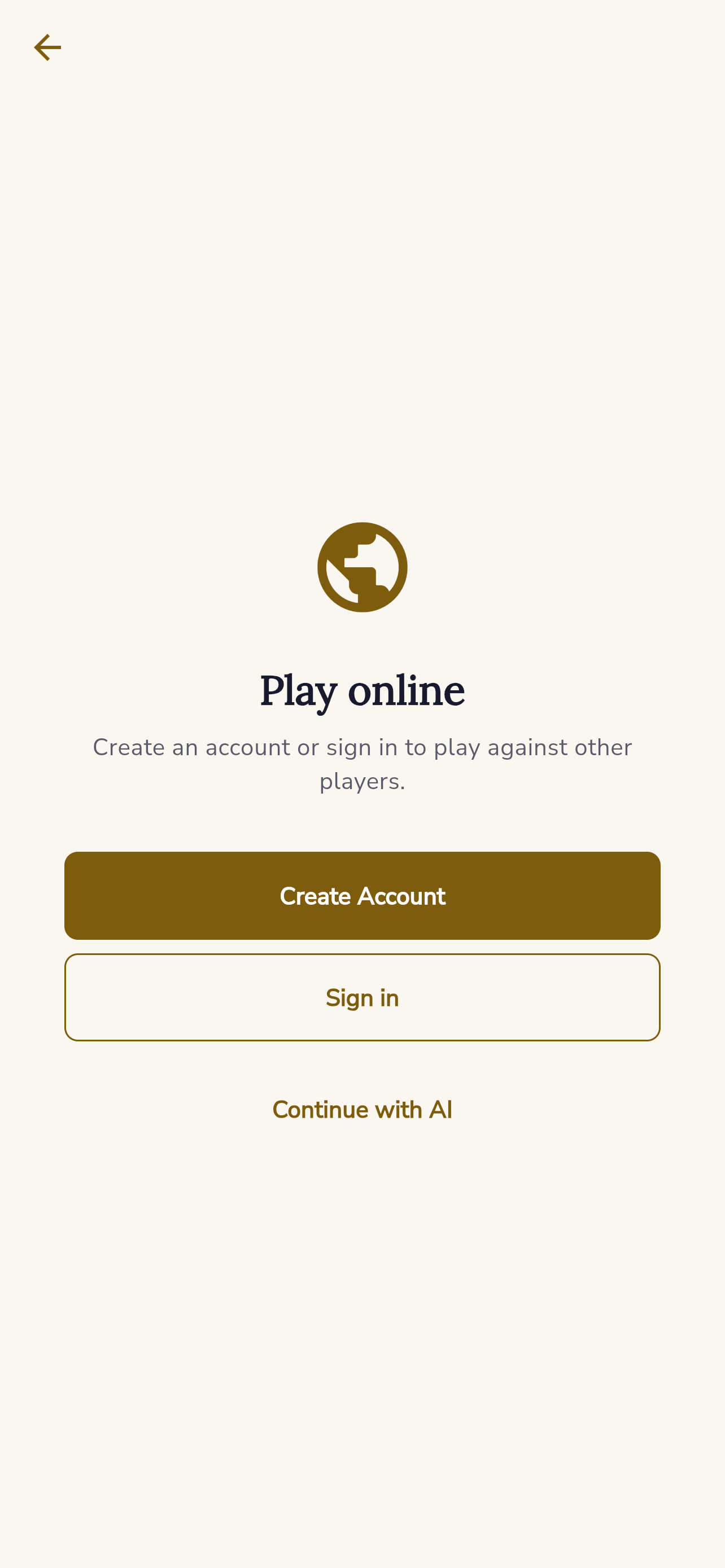
Online play is also represented more clearly now. Even the guest-facing sign-in gate is useful to show because it communicates that the app has a path beyond solo AI play without blocking casual visitors completely.
What The Screens Show
The updated app page now highlights a broader set of screenshots so visitors can see the range of the product more quickly:
- Home and progression
- Play and online entry points
- Live games and spectator-oriented discovery
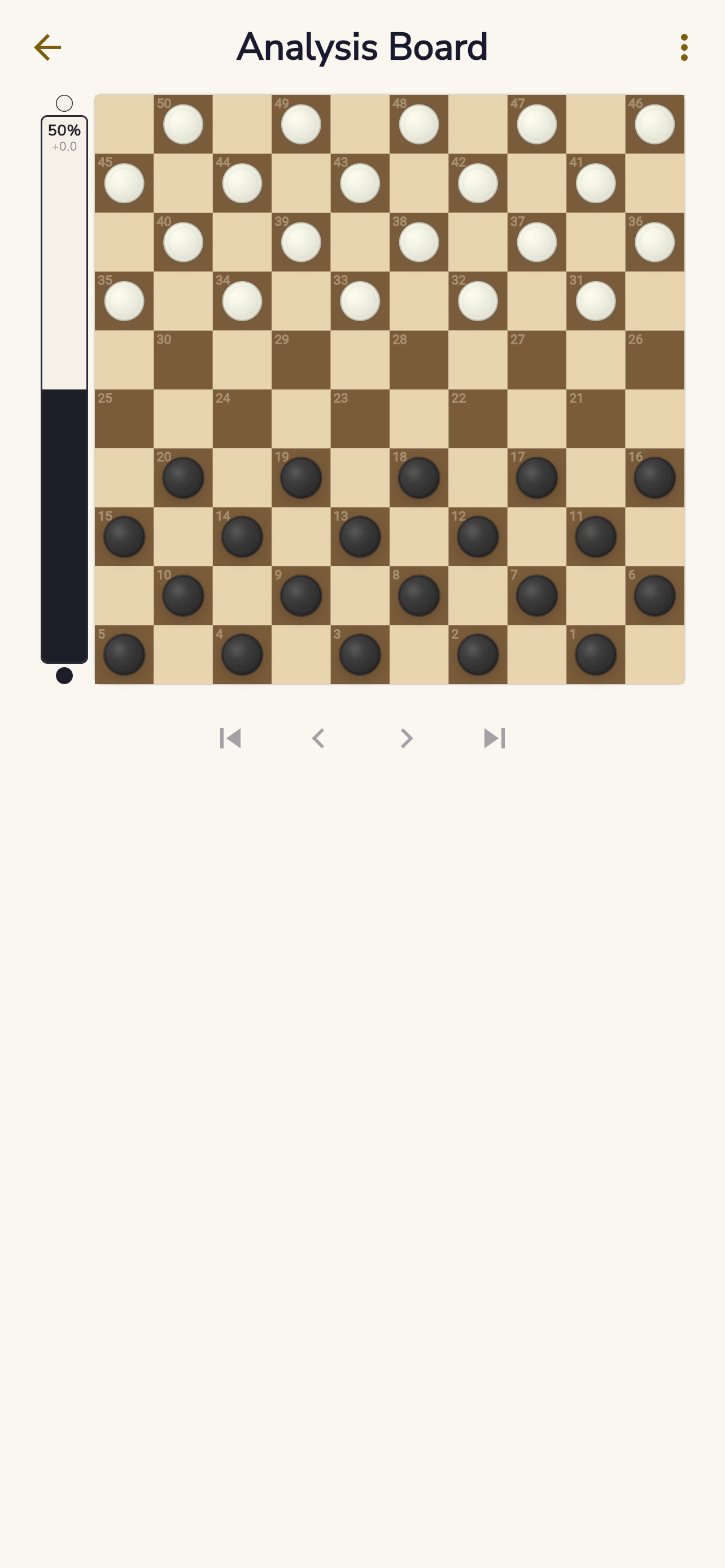
- Analysis board and replay tooling
- Board editor and custom position tools
- Learning and tutorial flows
- Settings and customization
Where To Find It
The app hub page is live on DevDad:
Store links are included on the app page and will point to final listing URLs as soon as publication links are available.
Thanks for following along and testing early versions. The launch matters, but the bigger story is the product depth behind it.